The Semester I Stopped Manually Tracking Every Purchase
Between classes, a part-time job, and an actual social life, manually logging every purchase for a monthly budget for college students just wasn’t realistic for me. I tried it for three weeks sophomore year and gave up the same way most students do — not because the budget was wrong, but because keeping it updated by hand took more energy than I had left in the day.
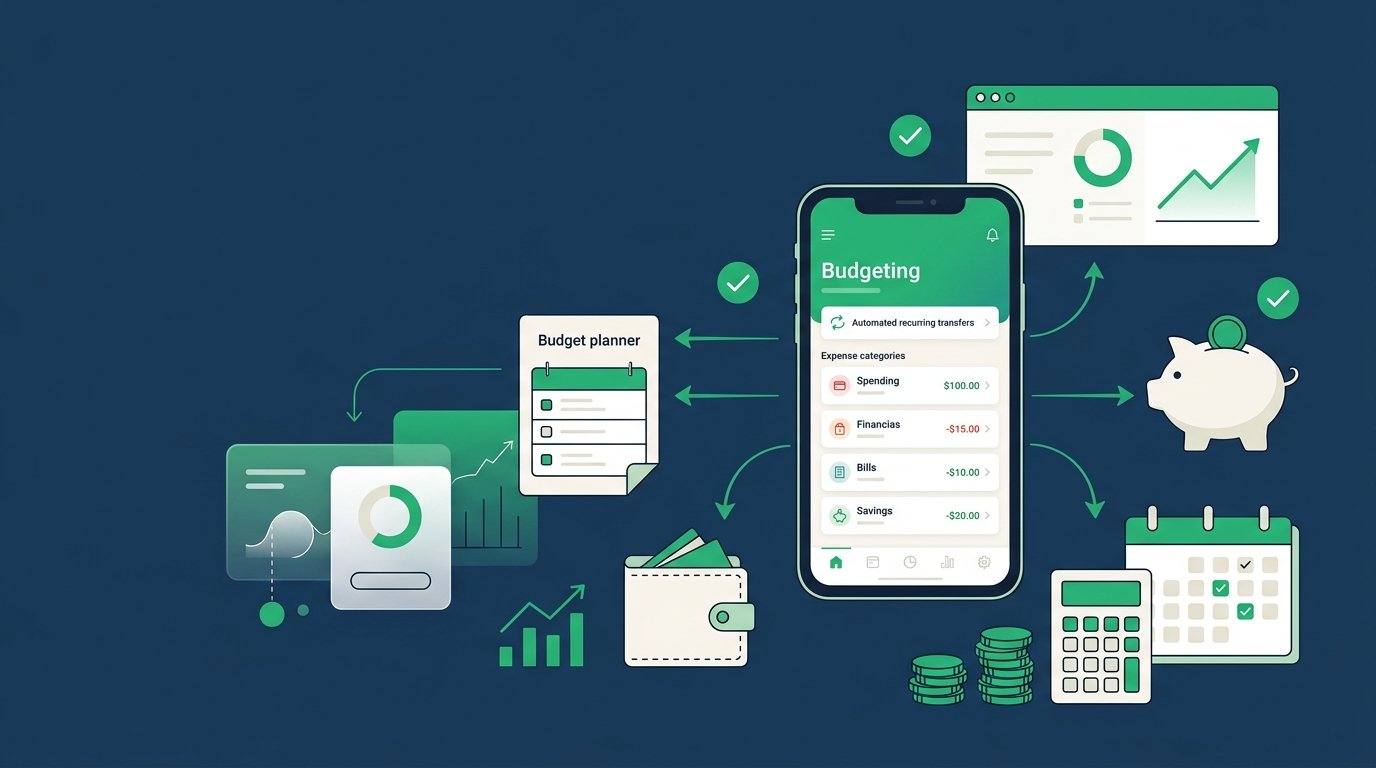
What actually stuck was automating the parts that didn’t need my daily attention. Here are the three steps that made it work, even on a genuinely tight budget.
Step 1: Automate Your Fixed Costs First
Rent, phone bill, streaming subscriptions, minimum loan payments — these amounts don’t change month to month, so there’s no reason to manually pay or track them separately every time.
- List every fixed cost with its exact amount and due date.
- Set up autopay through your bank or the biller directly for each one.
- Time these autopayments to land a day or two after your typical payday, so the money’s already there.
Once this step is done, roughly half your budgeting work each month disappears. There’s nothing left to remember or manually pay.
Step 2: Automate a Fixed Transfer Into Savings
Even on a tight student budget, automating savings matters more than the amount itself. Set up a recurring transfer for the day your paycheck or financial aid refund lands, even if it’s just $10-20.
Here’s why this works better than manual saving: money you have to “decide” to save every month gets skipped during a tight week. Money that moves automatically before you see it in your checking account gets saved regardless.
If your income is irregular, like a mix of a part-time job and semester-based aid refunds, set the automatic amount based on your lowest expected month, not your best one.
Step 3: Automate Alerts Instead of Manual Daily Tracking
This is the step that replaced my failed manual tracking habit. Most banking apps let you set free spending alerts for specific categories or a total weekly amount. Instead of logging every purchase, I set an alert for when my flexible spending crossed a certain threshold each week.
This gave me the same “catch it early” benefit as daily tracking, without the daily effort. If you go over, that’s your cue to check the account, not something you have to remember to do proactively every day.
Once these automations are set, a simple budget spreadsheet becomes more of a monthly summary tool than a daily chore.
What This Looks Like on a Genuinely Tight Budget
Automation doesn’t require extra money, it just requires setting things up once. Even with $50 a month of flexibility after fixed costs, automating a $10 savings transfer and one spending alert takes the same five minutes to set up as it would with a bigger budget. The system scales down fine; it’s the manual daily tracking that doesn’t.
Tools That Help
Most banking apps now include free autopay, recurring transfers, and spending alerts built in, so you likely don’t need a separate app for any of these three steps. If you want a dedicated tool, Goodbudget can automate envelope-style limits if you prefer that structure. For general budgeting guidance aimed at students, the Consumer Financial Protection Bureau has free resources worth a look.
If you’re building out categories for the first time, our guide to the cash envelope system pairs well with the alert-based approach above.
Common Mistakes to Avoid
- Don’t rely on manual daily tracking if it’s not realistic for your schedule — automate instead
- Don’t skip automated savings just because the amount feels too small to matter
- Don’t set spending alerts so high they’re useless — set them at a threshold that actually gives you time to adjust
- Don’t time autopayments before your money actually arrives — line them up with your real payday
Final Thoughts
A monthly budget for college students doesn’t need to mean logging every coffee purchase by hand. Automating fixed costs, savings, and spending alerts covers most of what manual tracking was trying to accomplish, with a fraction of the daily effort. Set it up once at the start of the semester, and check in weekly instead of constantly.
For more first steps like this, check out our Budgeting Basics for Beginners hub.
FAQs
Can I automate a budget with irregular income, like financial aid refunds?
Yes. Set your automatic transfers based on your lowest expected month rather than your average, and treat any extra as a bonus rather than the baseline.
How much should I automate into savings each month?
Start with whatever amount is genuinely sustainable, even $10-20. The habit of automatic saving matters more at first than the specific amount.
Do I still need to track spending manually if I automate everything?
Not daily. A weekly glance at your spending alerts and a monthly review of your spreadsheet is usually enough once the automation is set up.
What’s the easiest first automation to set up?
Autopay for fixed costs, since it requires no ongoing effort and immediately removes the biggest chunk of manual budgeting work each month.
Is automation still useful on a very tight budget?
Yes. Automation isn’t about the amount of money involved, it’s about removing the daily decision-making, which works the same whether you’re automating $10 or $100.